
Get started
Sign in to Nimbus for the first time
Use your invitation and your organization’s sign-in method to reach Nimbus.
Before you start
An invitation or sign-in address from your organization.
Who can do this
Invited members; no Nimbus session is needed to read this guide.
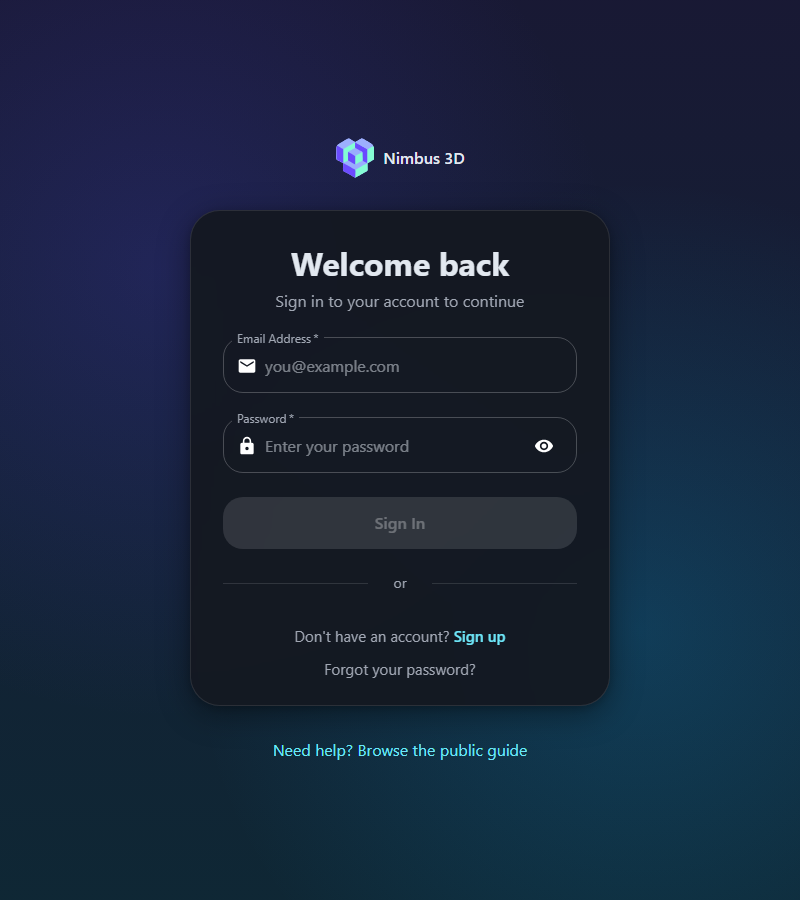
Steps
- Open the invitation or organization sign-in link you received. Check that the organization name is the one you expect.
- If this is an invitation, choose Create Account or Sign In as appropriate. Use the email address that received the invitation.
- Choose the sign-in method enabled for your organization. If prompted, complete two-factor authentication.
- If Nimbus shows Select Workspace, choose the organization you want to enter. You will then arrive at its Home page.
What you should see
You see the Home page for the organization you selected.
If something goes wrong
- An expired or previously used invitation needs a fresh invitation from an organization administrator.
- If the organization or sign-in method is missing, check the link with the person who invited you.